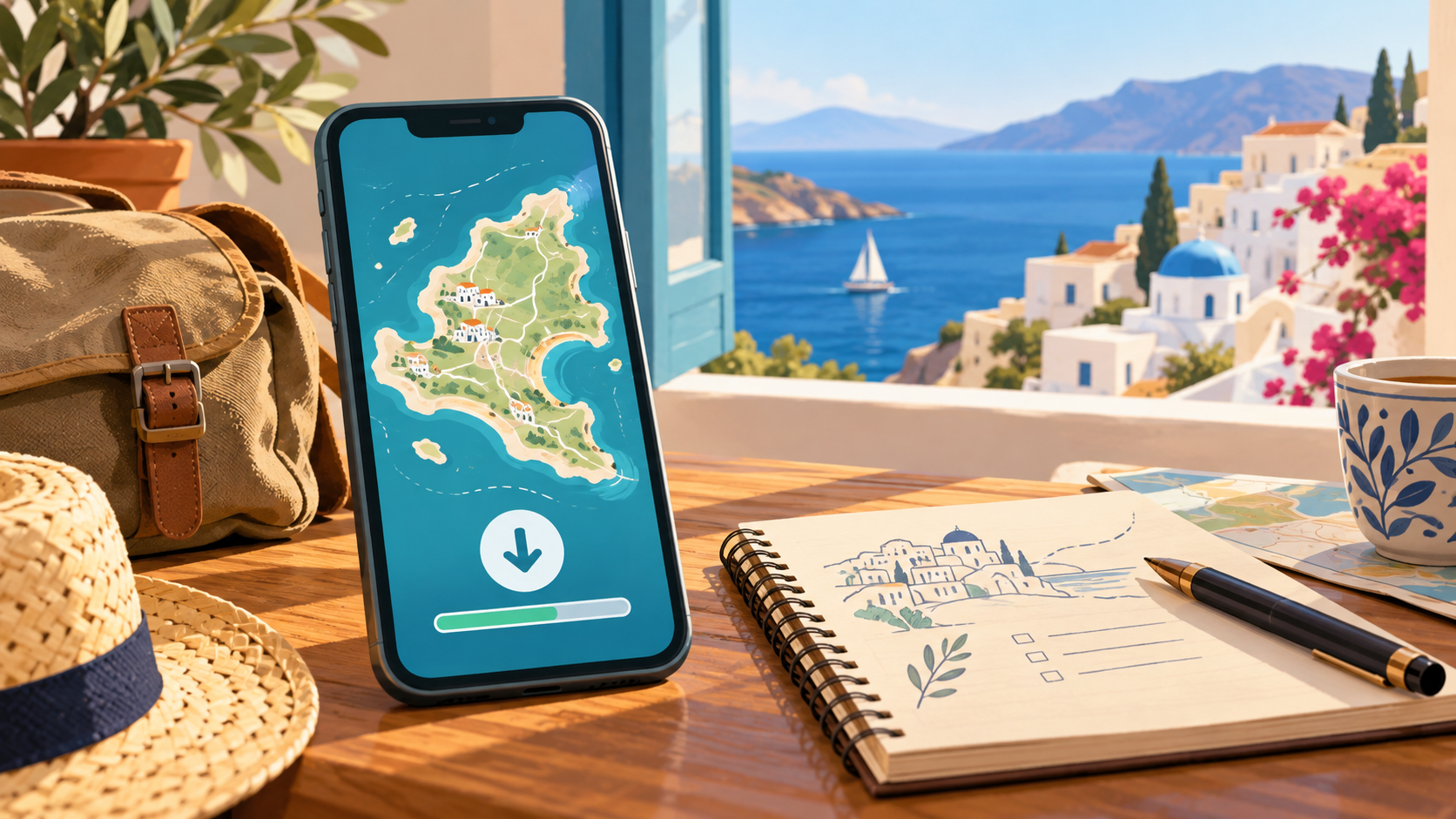
Before leaving home, save your destination in Google Maps through your profile picture → Offline maps → Select your own map. Include the full area you need, then finish the download while connected. A little preparation is easier than troubleshooting a blank screen beside a suitcase.
This beginner guide covers Android and iPhone. Allow about 10 minutes of active setup, plus download time. It is a documentation-based guide, not a report of hands-on testing. Offline maps are a backup—not a substitute for current transport information or paying attention to your surroundings.
Hero: AI-generated generic travel illustration, not a photograph of Mykonos or an actual Google Maps screen.
Why this travel-preparation topic now?
On 29 October 2026 UTC (28 October in Michigan), Pinterest Trends showed United States “Mykonos Travel and Destinations” Pin saves up 100% month over month. Its historical chart spans 2 August–25 October 2026 and rises at the latest endpoint. This is saving activity for destination inspiration, not growth in offline-map searches, bookings, or proof of overall travel demand. No forecast is used here. Mykonos is an example to plan around; download availability must be checked in your app.
What you need
- Android phone or iPhone with the Google Maps app
- Internet connection, preferably trusted Wi-Fi, and enough free phone storage
- Destination and accommodation address; optional paper backup
Steps
-
Connect and gather the places you need
Open Google Maps while online. Android requires you to be signed in; on iPhone, leave Incognito mode. Downloads are unavailable in some countries or regions.
Write down your arrival point, accommodation and the places you expect to visit. Think of the first tired hour after arrival, not just the scenic destination: where will you actually need to get to?
-
Open the offline-area selector
Tap your profile picture or initial, then Offline maps → Select your own map. Move and resize the selection around your destination.
For a Mykonos trip, use the actual addresses from your plans, not the fictional diagram below. Keep your notes private; there is no need to share your hotel or travel dates publicly.
-
Include the whole journey, then download
The entire route must fit inside the downloaded area. Include the arrival point and accommodation, not just a narrow patch around one attraction. Tap Download and wait until it finishes.
The illustration shows the planning idea: the airport, lodging and harbor sit inside one boundary. It is not a navigable map.
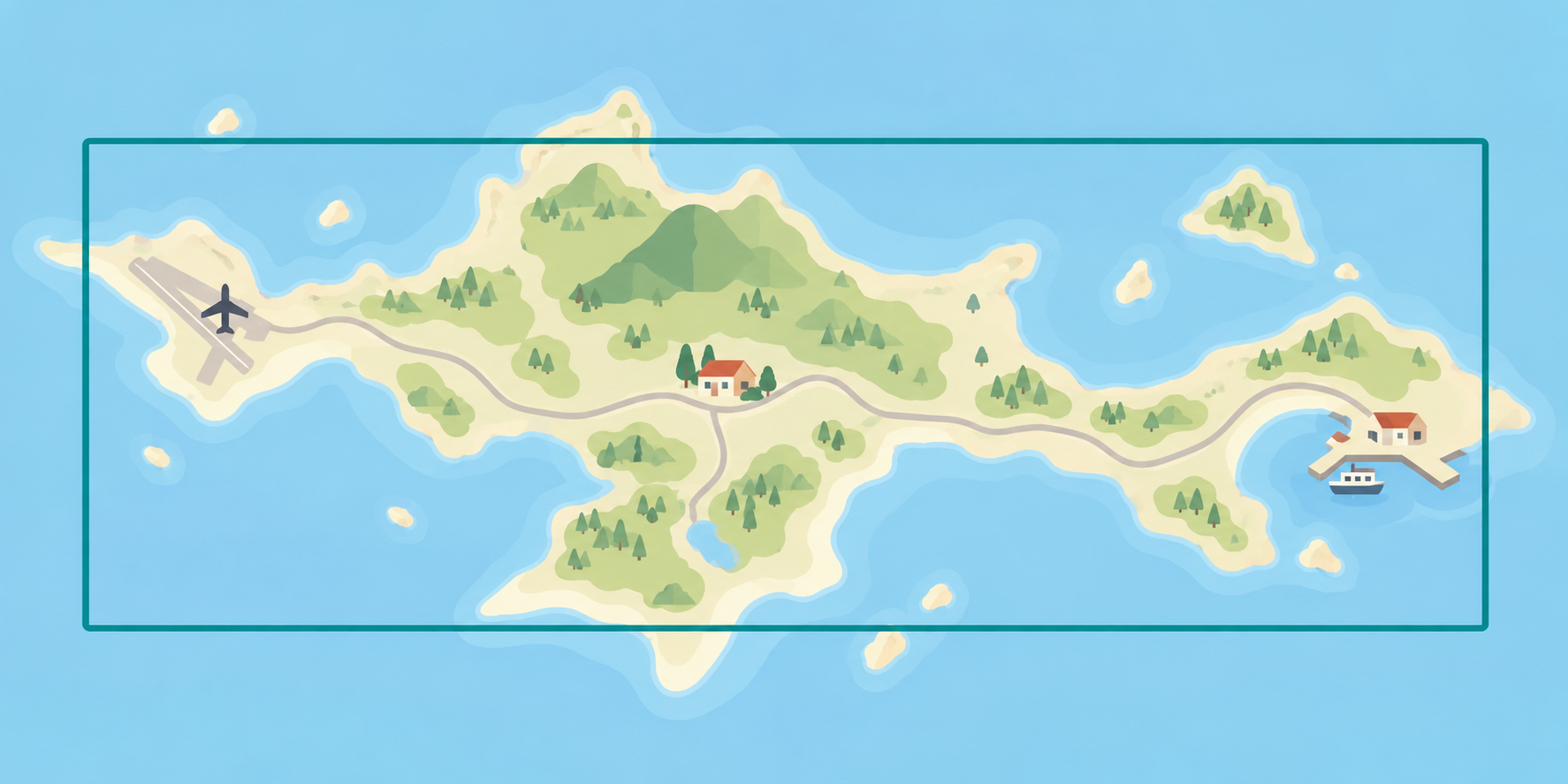
AI-generated generic illustration: fictional geography, not Mykonos, an actual app screen, or a map for navigation.
-
Check the saved area before leaving
Return to Offline maps and open the downloaded area. Rename it if helpful. Update it before it expires; select the area and choose Update when needed.
Make a quick personal checklist: correct destination, enough coverage, download complete, accommodation address copied somewhere you can access. Keep a paper address as a simple backup if your battery runs low.
-
Use it with realistic limits
Offline Google Maps does not provide walking, cycling or transit directions. Offline driving lacks live traffic and alternative routes. Do not treat it as a ferry timetable.
Plan transport while connected and check the operator directly for current departures. Put your phone away while crossing roads, and stop somewhere safe before changing a route.
Troubleshooting and quick answers
No download option? Check your connection and account mode; the region may not support downloads. Do not rely on the backup until the app confirms it is saved.
Why no walking route? That is an offline limitation, not necessarily a failed download. Arrange your route before going offline.
Do I need to buy anything? No dedicated accessory is required. Use the phone you already have. If power is your concern, see our safe checks for slow phone charging.
Sources and scope
Instructions checked 29 October 2026 against Google Maps Help for Android and iPhone and iPad. Interface wording can change. Trend context: Pinterest Trends, United States. No video is included because a suitable current demonstration was not verified.