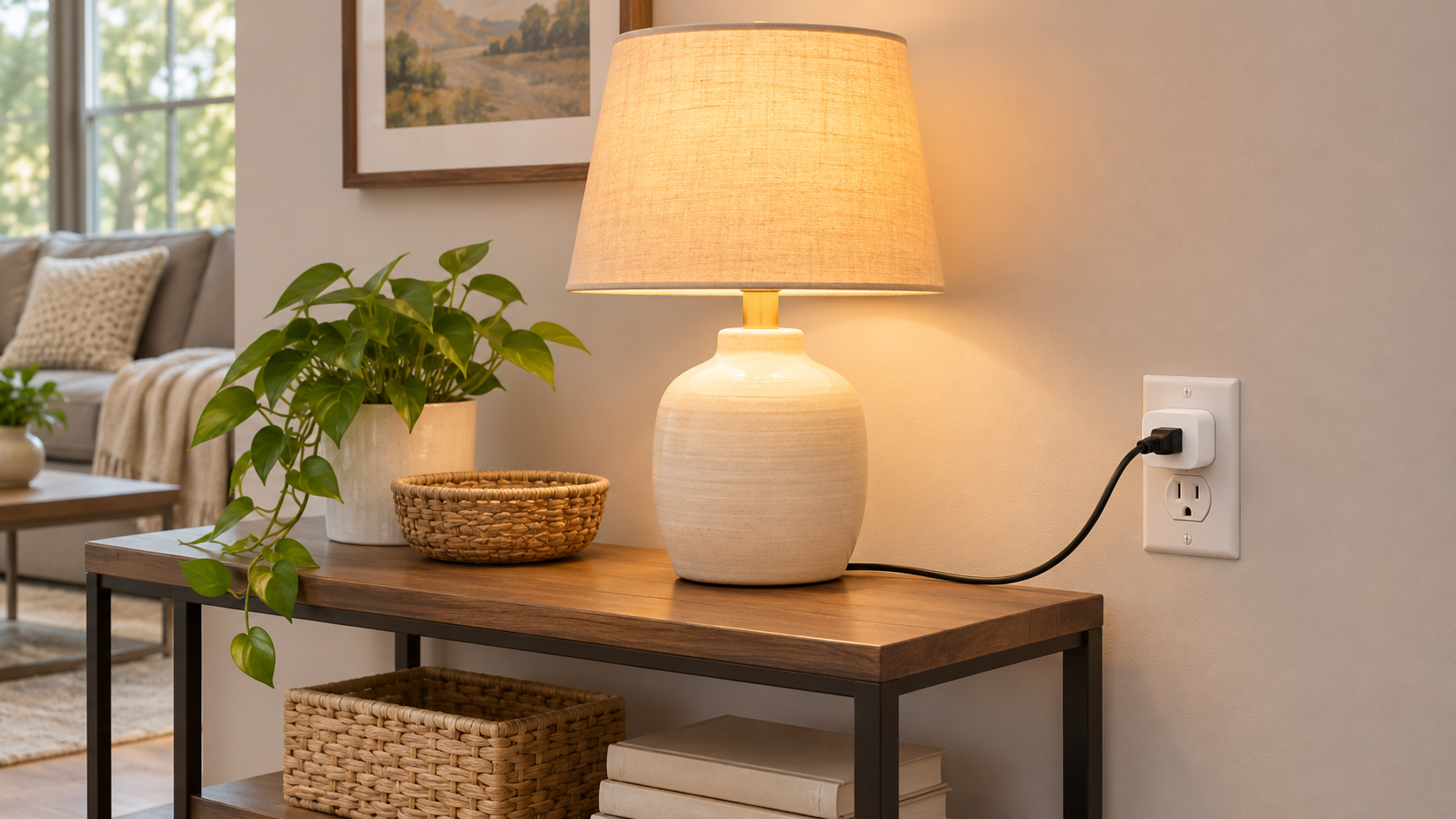
AI illustration: A table lamp connected to a generic smart plug. This is not an Amazon product photo.
Plug the Amazon Smart Plug into a dry indoor wall outlet, add it in the Alexa app, and test it with an ordinary table lamp. Leave the lamp’s own switch on so the smart plug can control the power. Allow about 15 minutes if your Alexa app and home Wi-Fi are ready.
Use this for a simple lamp. Follow the plug and lamp manuals. Don’t use this setup for a space heater, cooking appliance, medical equipment, or anything that would be unsafe to switch on unattended. This guide covers the Amazon-branded Smart Plug; other brands may use a different setup.
Troubleshooting
The app can’t find the plug: Check that the outlet works and the plug is within Wi-Fi range. Make sure your network offers 2.4 GHz, which this model requires. Follow the app’s pairing instructions rather than guessing from the indicator light.
The plug switches, but the lamp stays dark: Check the lamp’s own switch and confirm it works when plugged directly into a working outlet. Some touch-controlled lamps stay off when power is restored; try a lamp with a mechanical switch.
Frequently asked questions
Will the smart plug dim my lamp?
No. It switches power on and off. Use a compatible dimming setup if you need brightness control.
Can I put it on a porch?
No. Amazon specifies dry, indoor use for this model.
Related guide
Choosing where to put the lamp? Start with a simple living-room layout on paper.
Official setup and safety references
What you need
- Amazon Smart Plug and its instructions
- Table lamp with a physical on/off switch
- Dry indoor wall outlet
- Phone with the Alexa app
- Home Wi-Fi with 2.4 GHz available
Steps
-
Check the lamp and outlet. Pick a dry indoor wall outlet in range of your home Wi-Fi. Use a basic table lamp with a physical on/off switch. Test the lamp on its own first and turn it off before moving its cord.
-
Add the plug in the Alexa app. Insert the smart plug directly into the wall outlet. In the Alexa app, check Devices first in case the plug was added automatically. If you don’t see it, choose +, then Add Device, select Plug and Amazon, and follow the prompts. Use a 2.4 GHz Wi-Fi connection for the plug.
-
Connect the lamp and test the app control. Once the plug appears in Devices, switch its output off in the app. Insert the lamp cord into the plug and turn the lamp’s own switch on. Toggle the plug on and off in the app and check that the lamp follows both commands.
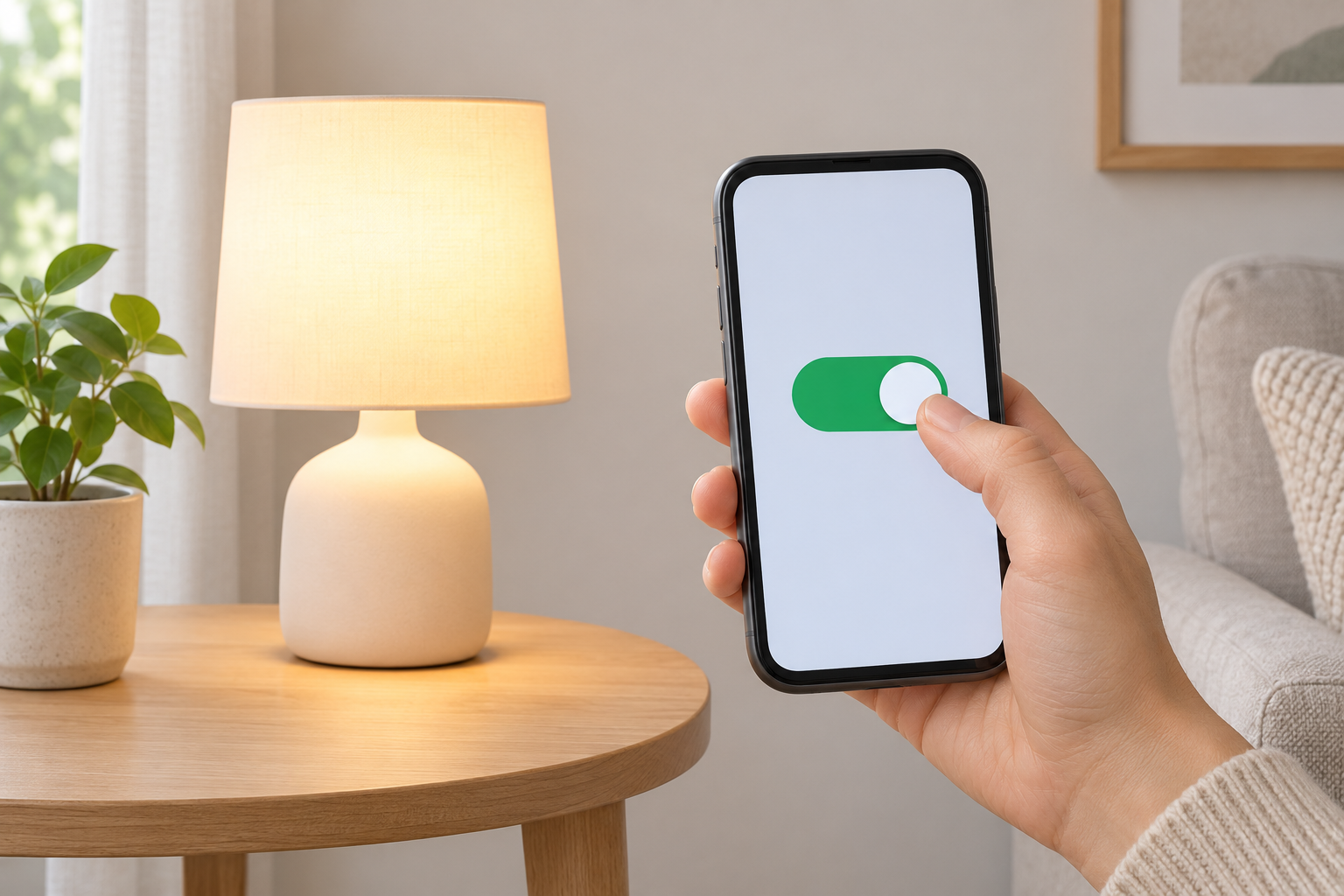
AI illustration: Test both switch positions with the lamp in view. This is not an Alexa app screenshot.
-
Give the plug a distinct name. In the plug’s device settings, use a name such as “Reading Lamp” that won’t be confused with another device. If you use Alexa voice control, try “Alexa, turn on Reading Lamp” and then test the off command.